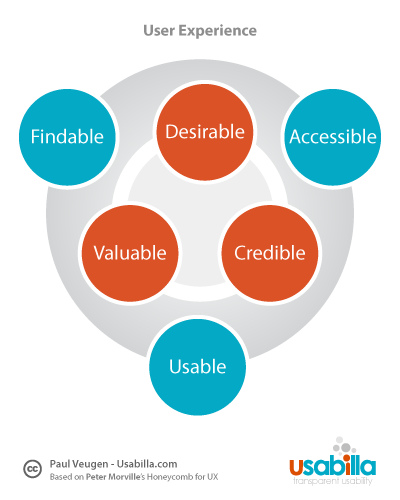
7 Ways to Improve User Experience
Apart from an actual store, your website is the first and most important point of contact customers have with your brand. As everyone knows, first impressions count. From the second a new visitor finds your site in the search engine results, to the days after their first interaction, it’s crucial that they have a good experience.
Here are 7 tips to help you ensure your users have a good user experience on your website.
- Review user guidance, which includes instructional text and micro-copy (hint text and labels) on forms. Make sure it is clear and not ambiguous or vague.
- Check your page-loading speed. Many users will just leave a site if it takes more than three seconds to load. Solutions to slow loading times include optimisation (compressing) of image files, caching.
- Test usability. This literally means asking someone else to complete a task on your site and getting feedback from them afterwards. Take note of what they say about ease of navigation and ease of reading (white text on a black background, for example, is difficult to read). Don’t underestimate the importance of this step!
- Run an online survey, to find out directly from your users how you could improve their experience.
- Make sure your web content is free of grammar and spelling errors. Poor spelling can have a negative effect on SEO, and can also lead to incorrect translations for foreign customers using translation software to read your website.
- Identify the top five things users would want to do on your website, then ask yourself how easily your system allows users to achieve these tasks.
- Take another look at your mobile site. This channel should be much more than a carbon copy of your web site that users have to zoom into to read. It should only include the top five tasks you identified in the previous step; everything else is superfluous.
If you use these tips to review the quality of your user experience, you’ll be well on your way to having a website that’s a pleasure to navigate for new and potential customers.